

Your Phone Is Filthy — Here's How to Clean It Safely
Jess O'Shea • January 13, 2026
Think about how often you touch your phone — after handling shopping carts, using public transport, or even in the bathroom. It’s no surprise that your phone is one of the germiest items you own. But before you grab any household cleaner, it’s important to know the right way to clean your device without damaging it.
Why Your Phone Needs Cleaning
- Phones are constantly exposed to bacteria, oils, and dirt from our hands and surroundings.
- Studies have shown they can carry more germs than a toilet seat.
- Regular cleaning helps reduce exposure to harmful microbes and keeps your screen looking fresh.
What You’ll Need
- A microfiber cloth (avoid paper towels — they can scratch)
- 70% isopropyl alcohol (or alcohol wipes)
- Cotton buds (for tight spots like speaker holes)
- A toothpick (optional, for gently dislodging dirt)
Safe Cleaning Steps
- Power down your phone. Unplug and turn it off before cleaning.
- Use a microfiber cloth. Lightly dampen it with 70% isopropyl alcohol.
- Wipe gently. Focus on high-touch areas like the screen, buttons, and sides.
- Detail work. Use cotton buds or a toothpick (gently!) for speaker grilles and ports.
- Let it dry. Leave your phone to air dry for a few minutes before turning it back on.
What to Avoid
- Don’t spray cleaners directly onto your phone.
- Avoid bleach, ammonia, or glass cleaners — they can damage coatings.
- Don’t immerse your phone in liquid, even if it’s water-resistant.
How Often Should You Clean It?
Aim for at least once a week, or more often if you're out and about frequently. Make it part of your regular routine — just like washing your hands.
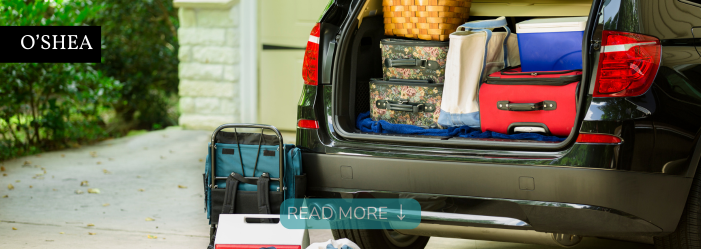
Planning a road trip? Discover why professional car detailing before your journey can create a cleaner, more comfortable drive with O'Shea Cleaning & Support Services.
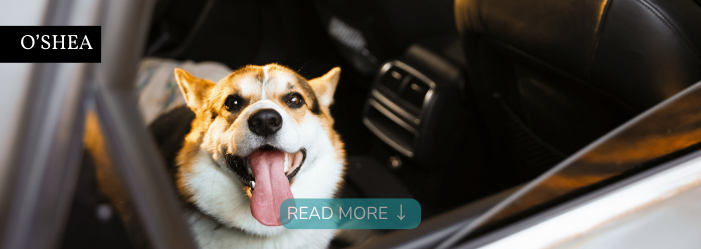
Dog hair, muddy paws and pet mess can quickly take over your car. Discover how professional car detailing from O'Shea helps refresh pet-filled vehicles.

Your work ute works hard. Discover how professional ute and car detailing from O'Shea helps remove dirt, dust, mud and everyday work mess.
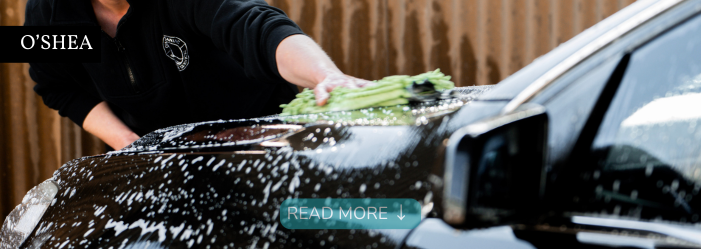
Keep your vehicle looking its best with professional exterior car detailing and polishing from O'Shea Cleaning & Support Services in Swan Hill.
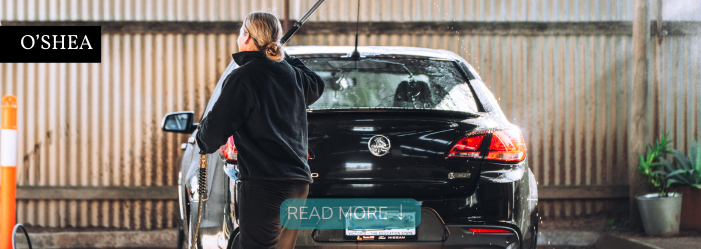
A clean car can make every journey feel better. Discover how professional car detailing improves comfort, confidence, and your everyday driving experience.
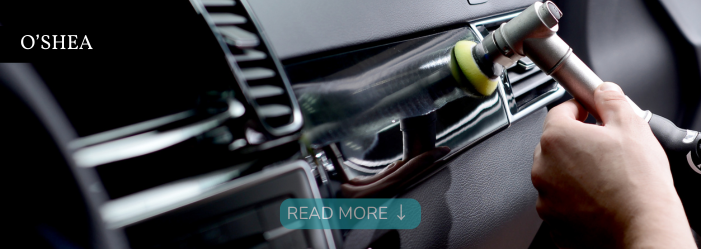
What does professional interior car detailing include? Discover how O'Shea thoroughly cleans carpets, seats, dashboards, windows, vents and more.
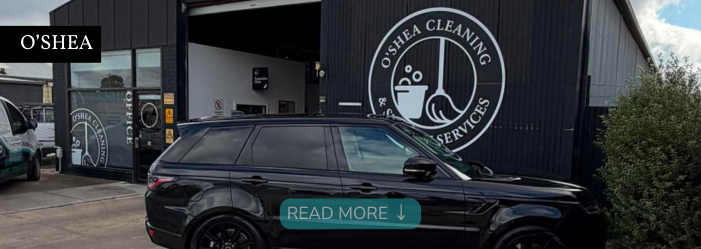
From crumbs and muddy shoes to pet hair and spills, discover how O'Shea's professional family car detailing service restores comfort, cleanliness, and pride.
Wondering how often your car needs professional detailing? Discover the ideal detailing schedule based on your lifestyle and driving habits with O'Shea.
Wondering whether your vehicle needs a car wash or a professional detail? Learn the key differences and discover why O'Shea's car detailing service delivers longer-lasting results.
Selling your car? Discover how professional car detailing from O'Shea Cleaning & Support Services helps create a great first impression and maximise buyer appeal.